A bind is one line: a key, and what the game runs when you press it. bind "f" "drop" is the whole idea. The rest of this guide is what can go on the right-hand side, how CS2 treats it, and why lines copied from CS:GO-era pages sometimes do nothing.
Three kinds of evidence sit behind it: lines typed into a CS2 console on 5 September 2026, the game's own command list read on 26 October 2026, and Valve's posts, quoted with dates. What we did not test is listed near the end. If you would rather pick actions and keys than type, our CS2 binds tool writes only the lines that worked in that test.
How Does a Bind Line Work?
Step zero is the console, which is off until you switch it on: Settings → Game → Enable Developer Console, after which the ~ key opens it. For a single key you do not need it at all; the key-binding page of the game settings changes one key without a line of text. The console is for the rest: several commands on one key, toggles and aliases.
The shape is bind "key" "command". The quotes matter once the command has a space in it, so always use them. Several commands fit on one key if you separate them with a semicolon: bind "n" "buy ak47; buy m4a1" buys the rifle your side can buy, and that exact line was tested in September.
Keys are named the way the bind command expects: letters and digits as they are, f1 to f12, space, shift, ctrl, mouse3 to mouse5, mwheelup and mwheeldown, and the numpad with a kp_ prefix, such as kp_enter. In the game's own file, named keys such as SPACE or MOUSE4 are stored in capitals and letters in lowercase; the console accepted lowercase in our test.
A key holds one bind at a time. unbind "f" clears a key. The command list also carries unbindall, which by its name clears every key including movement, and binddefaults; keep unbindall out of anything you paste without reading it first.
How Do You Check What a Key Does?
Two commands are built for this: key_listboundkeys, which lists bound keys, and key_findbinding, which takes a command and finds its key. Both are release commands in the game's list for the 25 September 2026 build. bindtoggle, which older guides mention, is flagged development-only in that list and is left out here.
Toggles and Steps: toggle and incrementvar
toggle takes a console variable and a list of values and moves to the next one on each press. The line we tested is bind "p" "toggle cl_hud_telemetry_frametime_show 0 2": it switches the frame-time readout on the HUD between off and always on. The variable's values are 0 for off, 1 for only when frame time is poor, 2 for always. This is the nearest thing CS2 has to CS:GO's net_graph, which is in neither the command list nor the variable list of the current build.
incrementvar is in the same command list and, going by the syntax it has had in Source games, takes a variable, a minimum, a maximum and a step: incrementvar volume 0 1 0.1 would raise the volume by a tenth per press. That line is the documented shape, not a tested one.
What Are + and − Aliases?
alias gives a list of commands a name, and the name can then be bound: alias "nades" "buy smokegrenade; buy flashbang; buy hegrenade", then bind "kp_plus" "nades". The alias command was accepted by the CS2 console in our test.
The plus and minus are a different thing. Most movement and action commands are plus commands — the key file on our test PC holds custom lines such as "SHIFT" "+jump" and "c" "+voicerecord". A command starting with a plus runs while the key is held, and its minus twin runs on release, which is how holding a key keeps you crouched. So bind "mwheelup" "+jump" is a complete bind; our control line, bind "n" "+jump", jumped.
CS:GO-era scripts used that convention on aliases too: define +name and -name, bind the plus one, and the pair runs on press and release. The classic jump-throw was built this way. In CS2 that pair was accepted and did nothing; the next section has the likely reason.
Which Binds Stopped Working in 2024?
On 19 August 2024 Valve published two posts. The release notes of that day say that input binds including more than one of a listed set of commands are now “ignored by default”, and that the old behaviour can be re-enabled with the cheat-protected variable cl_allow_multi_input_binds 1. The list is the rule, so here it is in full: sprint, reload, attack, attack2, turnleft, turnright, turnup, turndown, forward, back, left, right, moveup, movedown, klook, use, jump, duck, strafe, zoom, yaw, pitch, forwardback, rightleft. Any bind or alias that combines two of those is covered.
The companion post, Side-stepping Skill, gives the examples: such binds “will no longer work (e.g., null-binds and jump-throw binds)”. A null-bind pairs two movement directions; a jump-throw pairs jump with attack. The same post draws a separate line about hardware and scripts that automate several actions from one input, “Snap Tap” keyboard features included: players suspected of it may be kicked, at first only on Valve official servers. That sentence is about automation. The bind rule itself has no server qualifier in Valve's text, so guides that say it applies only on Valve servers are adding something the notes do not say.
The variable is still flagged as a cheat variable in the game's list for the 25 September 2026 build, so it is not a setting you switch on for a normal match.
Does the Jump-Throw Bind Still Work?
What we tested. On 5 September 2026, in a CS2 session on Dust II, we typed the classic pair alias "+jt" "+jump; -attack; -attack2" and alias "-jt" "-jump", then bind "n" "+jt". All three lines were accepted. Pressing the key did nothing. Bound to +jumpalone, the same key jumped. That is the outcome Valve's rule predicts: the alias holds jump, attack and attack2, three of the listed commands.
You do not need the bind. In the same August 2024 post Valve writes that the game was changed to make jump-throws reliable “without any special scripting or binds”: jump, then throw quickly. Two notes treat the jump-throw as its own thing: the release notes of the same day make the jump-throw confirmation grunt audible to nearby players, and the update of 13 November 2024 makes the grenade preview camera show the result of a jump-throw while the jump key is held. To practise the timing without a clock running, a practice config sets up a local practice server with trajectories drawn.
Why Do My Binds Reset After a Restart?
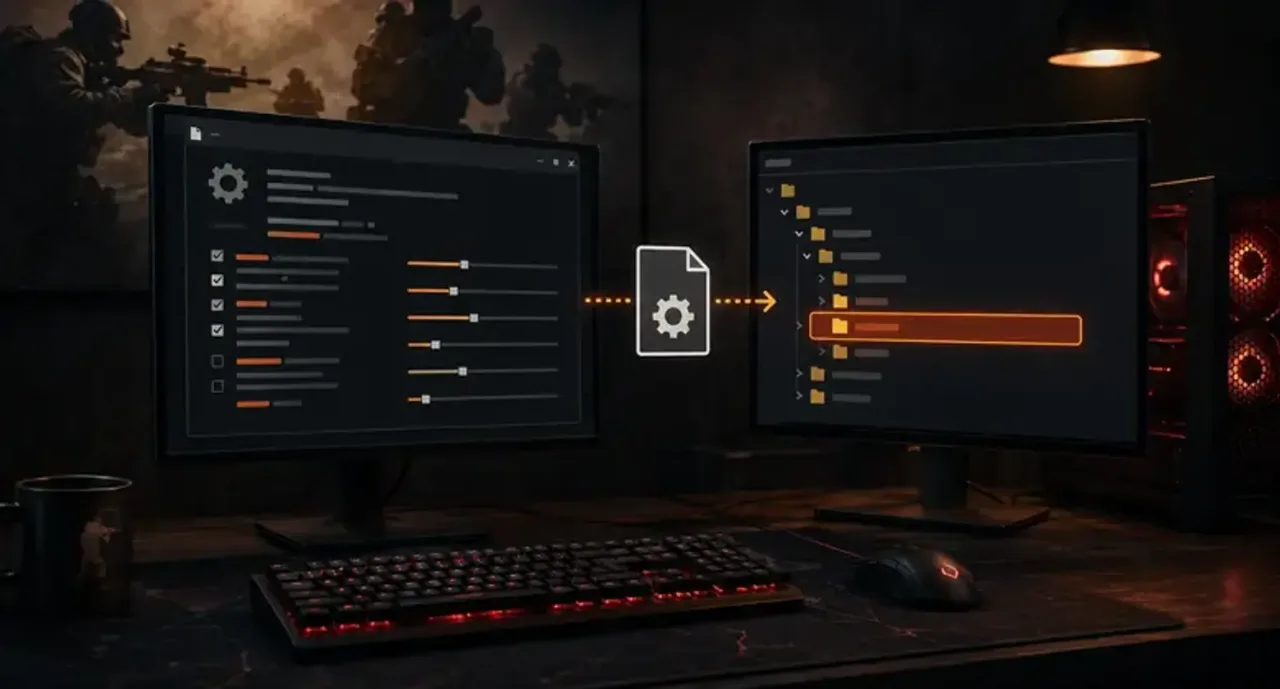
Start with where CS2 keeps them. On our PC, read on 26 October 2026, the binds live inside the Steam folder under userdata, then a folder named with your account's number, then 730 (CS2's app id), then local\cfg. The file is cs2_user_keys_0_slot0.vcfg, with slot1 to slot3 beside it; other settings go to cs2_user_convars_0_slot0.vcfg. The key file is plain text: a bindings block with one line per key, such as "SHIFT" "+jump", and cleared keys marked "<unbound>". An account that never changed a key has an empty block, so the file appears to hold only what differs from the defaults. The slot0 key file and the slot0 settings file each have a twin with a cloud-related suffix, which points at Steam Cloud keeping a copy of those two.
We read those files, not the moment a console bind is written into them. So the causes below are what the layout suggests, not what we reproduced, and the first thing to do after a restart is run key_listboundkeys and see what the game has.
- An autoexec rebinds the key every launch. If it contains
bind "f" "drop"and you later moved drop in the menu, the line is applied again at every start. Edit the file, not the menu. - A pasted config starts with
unbindall. Many shared configs do, and everything set before it is gone. - Steam Cloud brought the file from another PC. On two machines, the one you used last may be the one whose keys you now have.
The fix for all three is the same: keep the binds you care about in one file and load it on start. Our autoexec builder writes that file, and +exec autoexec in the Steam launch options runs it every time, as covered in CS2 launch options explained. The console is for trying a bind; the file is for keeping it. The autoexec closes with host_writeconfig, a save command from the same list.
Useful Binds Worth Having
Every action below was typed into a CS2 console on 5 September 2026 and sorted by what happened. The buy names come from the game: buy with a wrong argument prints its list of valid names, and every name here is on it. bind "n" "buy ak47" bought an AK in Casual; practice mode has no money, so there it only prints the list.
buy ak47; buy m4a1— the rifle for your side. Works.buy awp— works.buy vest; buy vesthelm— armour and helmet. Works.buy defuser— works.buy smokegrenade; buy flashbang; buy hegrenade— works.buy molotov; buy incgrenade— one key on both sides. Works.drop— works.slot3— switch to the knife. Works.toggle cl_hud_telemetry_frametime_show 0 2— frame-time readout on and off. Works.radio2— the standard radio menu. Works.player_ping— ping. Works.r_cleardecals— not in CS2; the console answers Unknown command.- the alias jump-throw — accepted, never fires. See above.
slot6 to slot10are also in the game's command list, with no description; we did not try them, so the tool does not offer them.
What we tested and what we did not. Tested on 5 September 2026: the actions above, bind, alias, the jump-throw pair and its +jump control. Read from the game's files and command list, not tried: incrementvar, unbindall and binddefaults, the output of key_listboundkeys and key_findbinding, the moment a console bind is written to the key file, whether host_writeconfig is needed for binds, what Steam Cloud does when two PCs disagree, and whether a plus alias with a single listed action still fires from a key.
Pick the ones you want, give each a key, and the binds tool writes the block for the console or your autoexec, flags a key used twice, and skips anything that did not work in that test.
Quick Answers
How do I unbind a key in CS2? unbind "key" in the console, with the key name the bind command uses, for example unbind "mouse4". If the bind lives in your autoexec, remove it there too, or it returns on the next launch.
Why don't my CS2 binds save? Usually something sets them back on launch: an autoexec with the old line, a shared config that starts with unbindall, or Steam Cloud carrying another PC's keys. Check with key_listboundkeys, then put the binds you want in your autoexec and load it with +exec autoexec.
Does the jump-throw bind work in CS2? The classic alias does not: in our test on 5 September 2026 the lines were accepted and the key did nothing, which matches Valve's August 2024 rule on binds that combine jump and attack. Valve says jump-throws work without a bind: jump, then throw.
Can I bind buy commands in CS2? Yes. The six buy lines above were tested and worked, with the item names the game prints when you type buy with a bad argument. A wrong name buys nothing.
Imbaboost is not affiliated with Valve or Steam.