

CS2 Viewmodel Generator
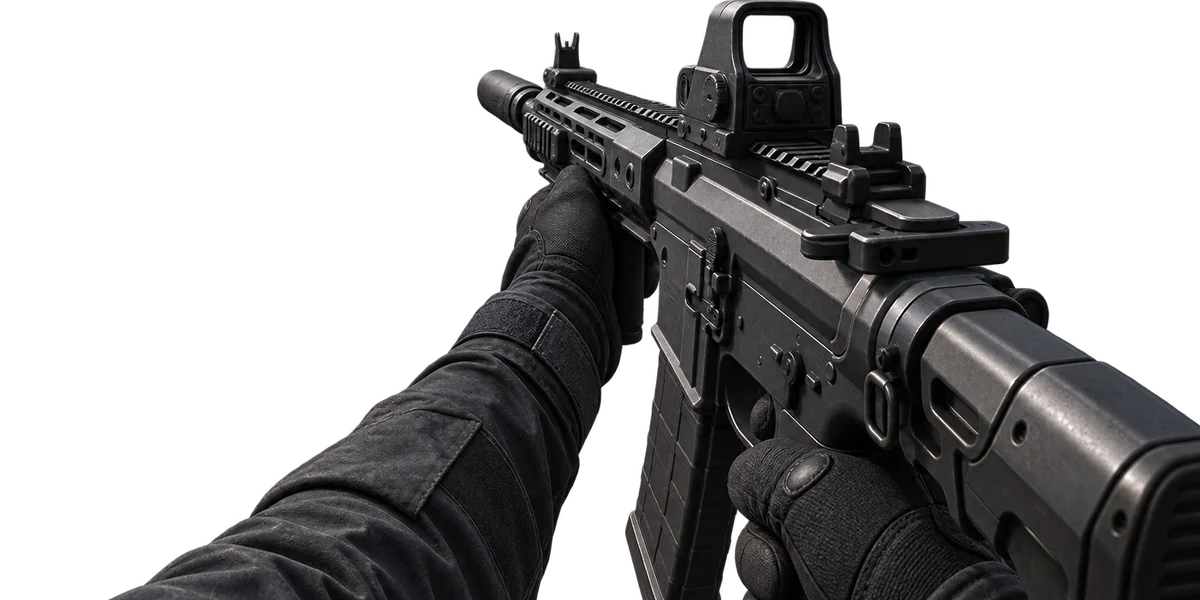
Left: the game's default preset at the widest FOV. Right: yours. Move a slider and watch the right one — it shows which way each number pushes the gun, so you stop guessing signs.
switchhands command, a toggle, so it is not part of this output.Paste this into the console
5 commands, all active in CS2 (cvarlist 2026-08-26)// viewmodel — built on imbaboost.com // Paste into the console, or into your autoexec. viewmodel_fov 60 // higher puts the gun lower and further away viewmodel_presetpos 0 // 1 desktop, 2 couch, 3 classic — 0 keeps the offsets above viewmodel_offset_x 1 // left–right; negative moves the gun toward the centre viewmodel_offset_y 1 // forward–back; negative pulls the gun closer viewmodel_offset_z -1 // up–down; negative lowers the gun
viewmodel_fov (60–68 — the game clamps it) changes how much of the weapon you see: higher pushes it lower and further away, lower brings it in. viewmodel_offset_x moves it left and right, _y closer and further, _z up and down. viewmodel_presetpos 1, 2 and 3 are the three presets from the settings menu; while one is selected the game applies its own offsets and ignores yours.
About the preview
It is a still render placed and scaled by your numbers, not the game. Nobody can render CS2’s first-person weapon in a browser, and a preview that pretended to would be a preview of something else. What the box gets right is direction and proportion — which way a number moves the gun and roughly how much — which is the thing people paste commands into the console to find out by trial and error.
Where the commands come from
Every command here is checked against CS2’s own cvarlist before it is allowed into the output. The current set was checked on 2026-08-26.
The lines belong in your autoexec next to the crosshair from the crosshair generator, so both load every time.
Questions people ask
Does a lower viewmodel_fov help aim?
Do these commands work in matchmaking?
Where is the left-hand option?
cl_righthand. The hand is switched with the switchhands command, which toggles — put it in a config and it flips every time the game starts. Bind it to a key instead, or use the setting in the game menu.Why do the sliders go grey when I pick a preset?
Related tools
Not affiliated with Valve Corporation. Steam and Counter-Strike are trademarks of their respective owners.